

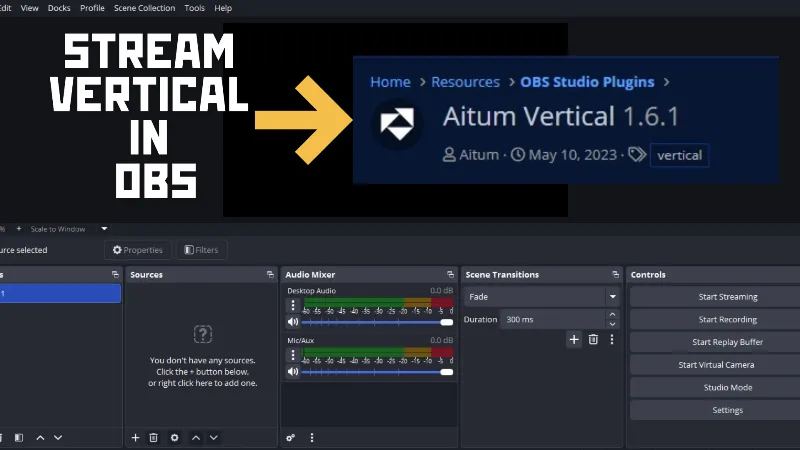
Initially developed for horizontal (landscape) video formats, OBS was widely adopted for recording and multistreaming content on platforms such as Facebook, Twitch, and YouTube. As content consumption increasingly shifts toward mobile-first platforms like TikTok, Instagram Reels, and YouTube Shorts, creators need efficient ways to produce and broadcast content in vertical (portrait) format.
The aitum vertical plugin is a specialized extension designed to help creators adapt to this change. By integrating directly with OBS, the plugin enables users to create dedicated vertical scenes, stream in portrait orientation, and manage both horizontal and vertical content workflows from a single OBS setup. This makes it particularly useful for streamers, VTubers, educators, podcasters, and content creators targeting multiple platforms simultaneously.
Let's Go for the Aitum Vertical Plugin Download
If you're looking to start creating vertical livestreams or short-form content directly from OBS, installing the aitum vertical plugin is one of the simplest ways to extend OBS's capabilities.
Visit the official Aitum Vertical Plugin page for OBS.
Click "Go to Download."

A new browser tab will open, and the aitum vertical plugin download should begin automatically.

Once the download is complete, run the installer and follow the on-screen instructions. Restart OBS after installation. Upon reopening OBS, you'll see new vertical canvas options and settings provided by the plugin.

What Does the Aitum Vertical Plugin Add to OBS?
The aitum vertical plugin introduces a dedicated vertical canvas alongside your existing horizontal layout. Instead of manually resizing scenes and sources for every platform, creators can maintain separate vertical and horizontal compositions within the same OBS project.
Key capabilities include:
- Dedicated 9:16 vertical canvas support
- Simultaneous management of landscape and portrait scenes
- Easier content repurposing for TikTok, Instagram Reels, and YouTube Shorts
- Streamlined workflow for creators publishing across multiple platforms
- Improved efficiency when creating mobile-first livestreams
Why Content Creators Use the Aitum Vertical Plugin
As vertical video continues to dominate engagement on mobile devices, many creators use the aitum vertical plugin to avoid maintaining separate production setups for different platforms.
For example, a VTuber streaming in landscape mode on YouTube can use the plugin to create a separate vertical layout optimized for TikTok Live. Similarly, educators, podcasters, and gaming creators can adapt their content for short-form discovery channels without rebuilding their scenes from scratch.
Frequently Asked Questions About the Aitum Vertical Plugin
1. Is the Aitum Vertical Plugin free?
The aitum vertical plugin is generally available as a free OBS extension, allowing creators to add vertical video production capabilities without purchasing separate streaming software.
2. Can I use the Aitum Vertical Plugin for TikTok Live?
Yes. Many creators use the aitum vertical plugin to create portrait-oriented layouts suitable for TikTok Live, helping content fit naturally on mobile screens.
3. Does the Aitum Vertical Plugin work with YouTube Shorts and Instagram Reels?
Yes. The plugin helps creators produce content in a 9:16 format, making it easier to create videos and livestreams optimized for YouTube Shorts, Instagram Reels, and other vertical-first platforms.
4. Do I need advanced OBS knowledge to use the Aitum Vertical Plugin?
No. While familiarity with OBS is helpful, most users can install the aitum vertical plugin and start creating vertical scenes with minimal technical experience.
5. Can I use both horizontal and vertical layouts at the same time?
One of the primary advantages of the aitum vertical plugin is its ability to help creators manage both landscape and portrait workflows within a single OBS environment, reducing the need for duplicate scene collections.
Streamers Also Explored:
- Push your live streams beyond the basics: How to Download and Install StreamFX Plugin for OBS
- Customize your countdown timer: Create An OBS Countdown Timer In Easy Steps
- Stream like a pro: Essential OBS Settings For Smooth Streaming
- Best OBS configurations for low specs: Best OBS Settings for Game Streaming on Low-End PCs
- A step-by-step guide to reduce OBS GPU usage: Reduce GPU Usage in OBS Without Affecting Video Quality