
Go Live & Record from Your Browser
No credit card required · Free plan available · 200+ teams already streaming
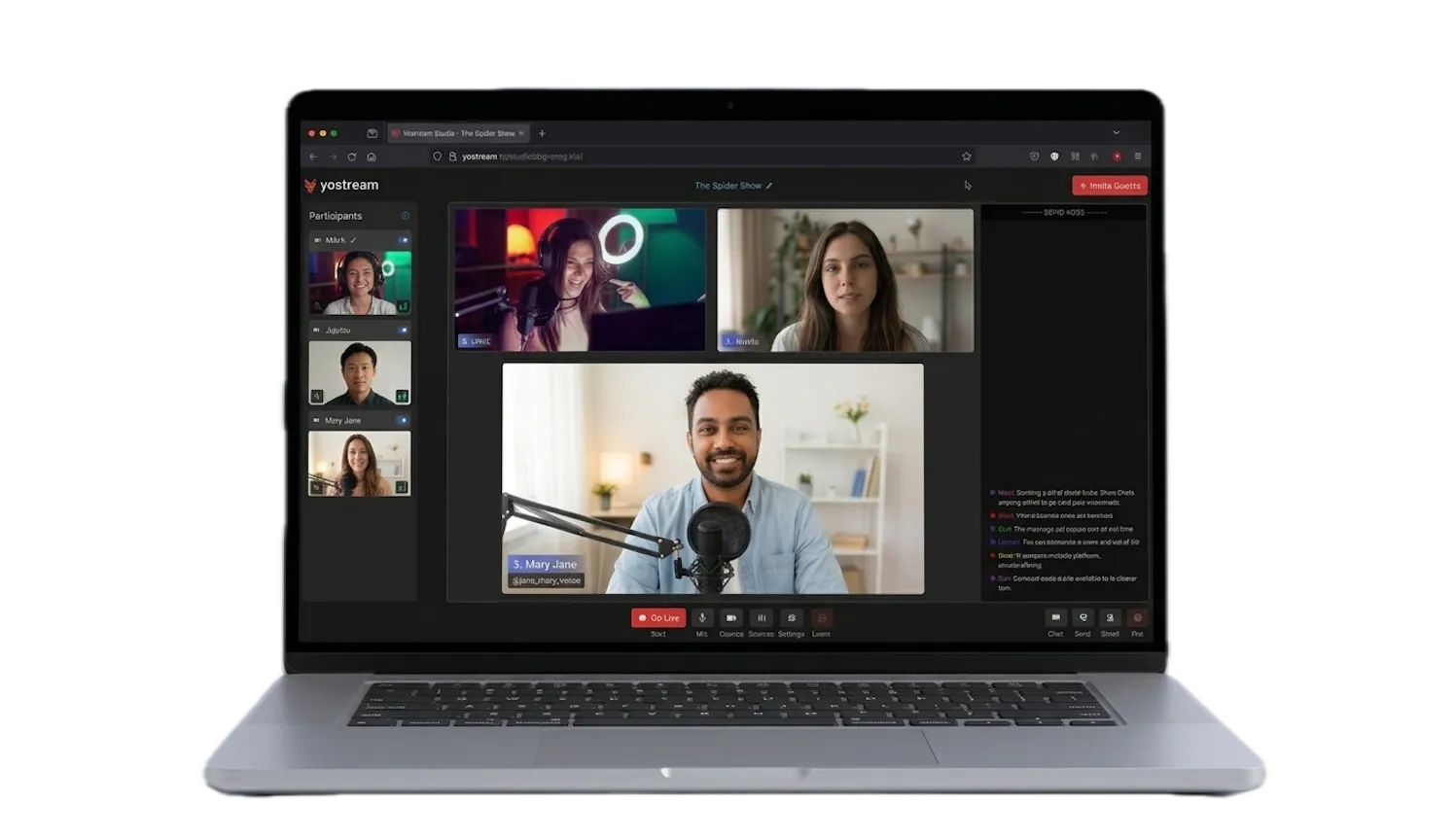
A Complete Live Streaming and Podcasting Platform
Yostream is browser-based live streaming and podcast software that supports multistreaming, remote guests, low latency streaming, audience interaction, and custom branding.
Multistream to Multiple Platforms
Stream live video to YouTube, Facebook, LinkedIn, Twitch, Twitter and custom RTMP destinations at the same time. Reach more viewers with one stream.
Start multistreaming
Podcast Recording & Hosting
Record studio-quality podcasts in your browser with separate audio tracks per participant and invite remote guests easily.
Start recording today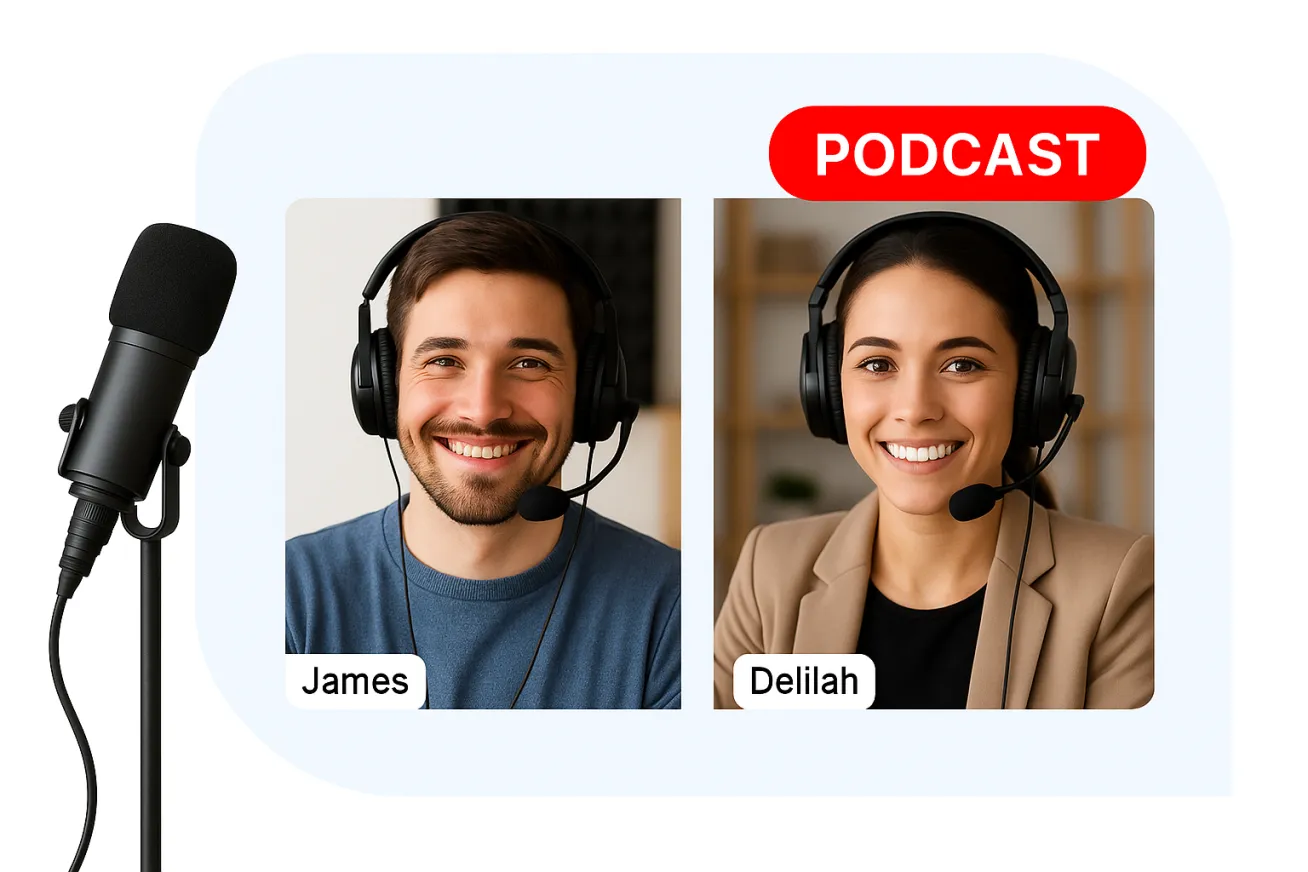
Remote Guest Management
Invite multiple guests to join your live show or podcast via browser links. Engage in interviews, panels, and collaborative sessions.
Find out more about Guests
Custom Branding & On-Screen Identity
Add personalized backgrounds, banners, logos, and overlays to incorporate your brand identity into live streams.
Explore customized branding
Unified Audience Interaction
View and respond to live chat comments from all connected platforms in a single dashboard to boost viewer engagement.
Read and respond to comments from all social accounts
How it Works
-
1
Step 1: Connect your platforms
Link your YouTube, Twitch, Facebook or any RTMP destination. Takes 60 seconds.
-
2
Step 2: Set up your studio
Add your branding and overlays. Invite guests by sending them a link — they join in their browser, no software needed.
-
3
Step 3: Hit Go Live
One click pushes your stream to every platform simultaneously.
Who Can Use Yostream
View all-

-

Podcasters
Record solo or with guests in studio quality, no software to install
-

-

-

-
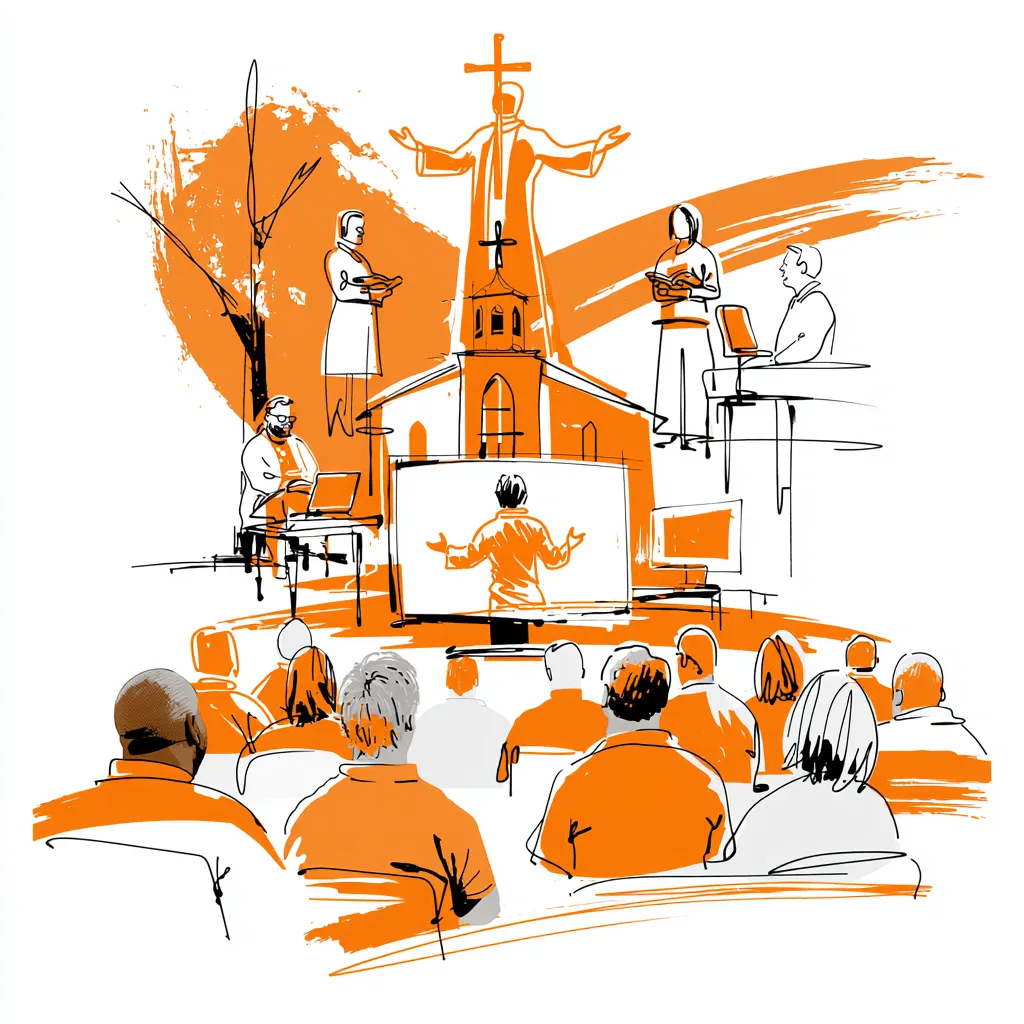
Faith communities
Stream services and events to congregations online
-

Small businesses
Product launches, webinars, announcements
-

Non-profits
Fundraisers, awareness events, community meetings
Everything You Need to go Live
No downloads, no plugins, no tech headaches. Just your browser, your guests, and a live audience waiting.

Browser-Based Studio
Works in Chrome, Edge & Safari · HD 1080p ready · No software to install

Easy Setup and No Downloads
Go live in under 2 minutes · Guests need no account · Works on Mac, Windows & Linux

Custom Branding & Overlays
Upload your own logo & graphics · Lower thirds & tickers · Full brand color control

Custom RTMP Connections
Connect hardware encoders · Any RTMP endpoint · Full bitrate control

Remote Guest Invitations
Share a browser link · No signup required for guests · Low-latency HD video

Multistream to Social Platforms
YouTube · Facebook · LinkedIn · Twitch · Any custom RTMP destination