

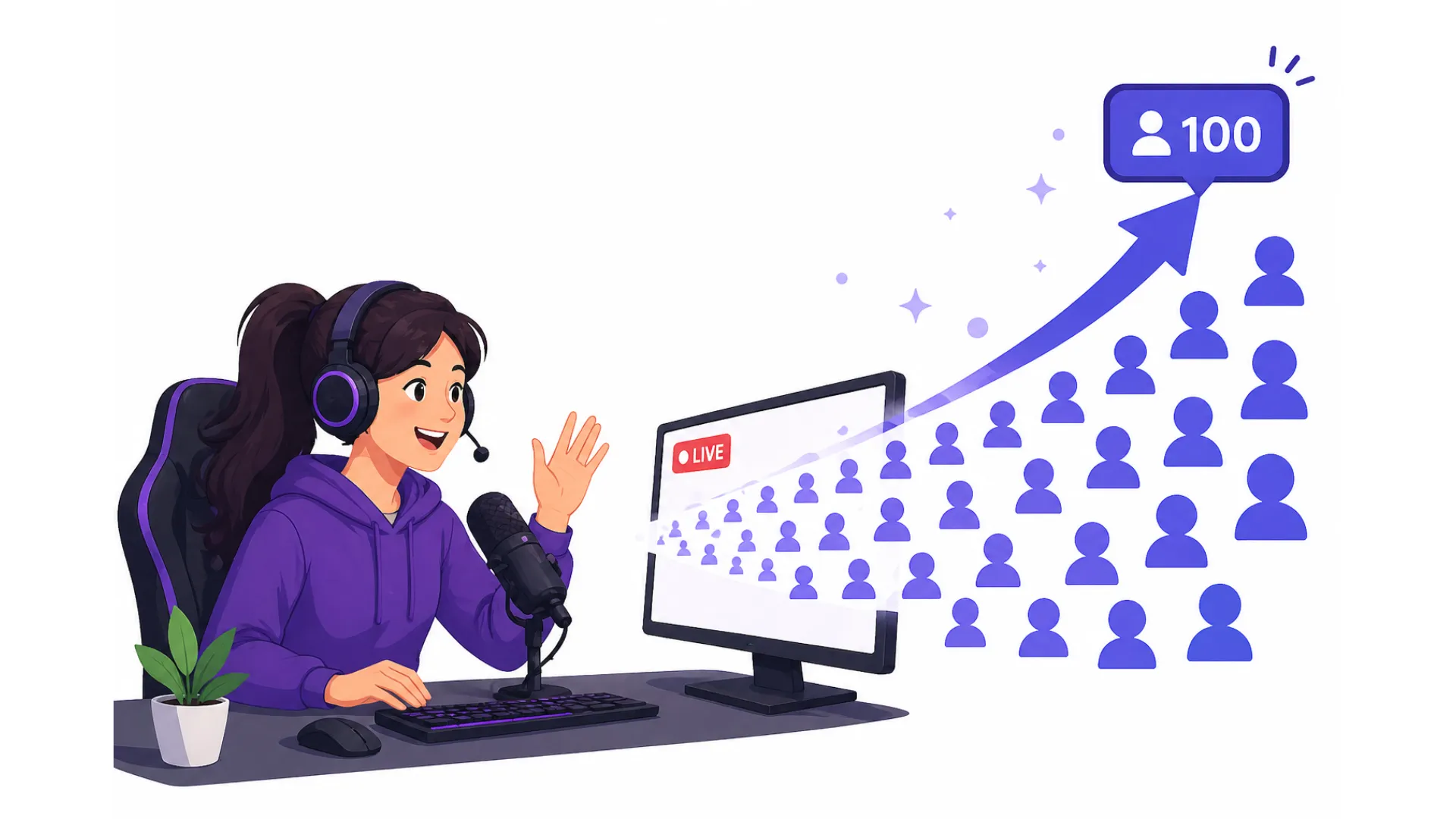
You started live streaming. Three people watched. Two were bots. One was your second device.
The gap between zero and your first 100 live viewers feels impossible without paying for ads. But ad spend without retention is like pouring water into a broken bucket.
This guide shows you exactly how to grow from 0 to your first 100 live viewers no ad spend using browser based live streaming software. You will learn organic discovery methods, retention triggers, and multistreaming tactics.
No fluff. No paid tools required. Just tactical answers to the questions real streamers ask.
What Does “Growing from 0 to 100 Live Viewers No Ad Spend” Really Mean?
It means reaching 100 concurrent viewers (CCV) using zero paid traffic sources. No Google Ads. No social media boosts. No influencer shoutouts for cash.
Instead, you rely on:
- Organic search visibility
- Platform algorithm hooks
- Embedded content in trusted spaces
- Viewer retention mechanics
The key insight: 100 viewers is not a popularity contest. It is a math problem. If you keep 10% of your viewers for 60 minutes, you need 1,000 total entrances. If you keep 50%, you need only 200.
One of the key benefits of browser based live streaming software is that it helps you retain viewers because you can see chat from all platforms in one screen. You never miss a question. That alone doubles retention.
💡 Pro Tip
Focus on retention before discovery. A stream that keeps 10 people for 30 minutes signals stronger value than a stream that cycles 200 people in 5 minutes.
Why Do Most New Streamers Fail to Reach 100 Viewers Organically?
Three specific reasons, backed by platform data (Twitch, YouTube Live, Kick, and LinkedIn Live observations).
| Failure Cause | Why It Happens | Fix |
|---|---|---|
| Zero pre stream hype | No calendar, no reminders | Use Discord events + Google Calendar embeds |
| Dead air in first 2 minutes | Viewer leaves before engagement | Start with a question poll or countdown |
| No embedded presence | Relying only on platform browse page | Put player on forums, Notion, or Linktree |
If you are streaming to only one platform, you are invisible to viewers who never open that platform. Browser based software fixes this instantly.
How to Get Your First 10 Live Viewers Without a Single Dollar
Step 1: Use your existing network without spamming.
Send a direct voice note to 5 people. Say: “I am testing a live stream about [topic]. I need 10 minutes of your honest feedback. No pressure to stay.”
Step 2: Add a countdown timer to your stream title and social bio. Example: “Live in 2 hours: fixing design errors in public.”
Step 3: Post a short vertical clip 45 minutes before going live. The caption: “Going live at 4 PM EST. First 10 people get a free resource.”
Step 4: Ask 2 friends to join in the first 60 seconds and stay for 5 minutes. Platform algorithms use early density to rank you higher in browse.
What Is the 3 3 3 Retention Method for Live Streams?
The 3 3 3 method is a retention framework designed for zero budget growth. It works across Twitch, YouTube Live, and smaller platforms like LiveSpace or Yostream.
First 3 minutes: Hook with a specific promise. Not “today we talk about gaming.” But “today we finish level 4 without taking damage. If I fail, I donate $5 to the first viewer who spots the mistake.”
Next 30 minutes: Deliver value in 3 minute cycles. Switch between: teaching, asking, doing. Never go more than 3 minutes without a viewer interaction trigger (poll, question, challenge).
Last 3 minutes: Hard stop with a next step. Do not say “thanks for watching.” Say “tomorrow at 5 PM EST I am fixing the top 3 mistakes from today. Comment your email or join my Discord for the replay.”
Why this works for growing from 0 to your first 100 live viewers no ad spend: Retention loops replace ad spend. Every viewer who stays through one 3 3 3 cycle becomes a free promoter.
How Browser Based Streaming Software Changes the Zero Budget Game
Traditional streaming software (OBS, Streamlabs) requires installation, configuration, and local processing power. Browser based alternatives remove all those barriers.
Here is what browser based live streaming software gives you for zero budget growth:
Benefit 1: No download friction. You can start streaming from any computer in under 60 seconds. School computer. Work laptop. Library machine. This means you can stream more often without hardware limits.
Benefit 2: Multistreaming to multiple platforms at once. Send your stream to YouTube, LinkedIn, Facebook, Twitch, and custom RTMP destinations simultaneously. Each platform is a separate discovery engine.
Benefit 3: Unified chat and activity. See all comments, questions, and reactions in one screen. You never miss a viewer interaction. Missed interactions kill retention.
Benefit 4: Browser based live streaming software often includes built in overlays, countdown timers, and lower thirds. No need for separate tools or plugins.
Which Destination Platforms Give the Highest Organic Live Reach Right Now?
Not all streaming destinations are equal for zero dollar growth. Here is the 2026 comparison based on organic discovery features.
| Platform | Browse Discovery | Multistream Friendly | Account Required For Viewers | SEO Indexing Speed | Best For |
|---|---|---|---|---|---|
| YouTube Live | Medium | Yes | Yes | High within hours | Searchable evergreen content |
| LinkedIn Live | Medium High | Yes (via software) | Yes | Medium high | B2B, careers, professional topics |
| Twitch | Low after 2024 change | Limited | Yes | Very low | Existing gaming communities |
| Facebook Live | Low | Yes | Yes | Low | Personal networks only |
| Custom RTMP (your own site) | Zero built in, but high SEO | Yes | No | Immediate | Full ownership |
Who This Article is For
Use Yostream to send a clean feed to a custom RTMP destination like your own website. Google indexes that page immediately. Viewers come from search, not platform algorithms.
How to Structure a 60 Minute Stream That Converts Lurkers into Followers
Most streamers lose viewers because they do not segment the hour. This structure works across all platforms simultaneously.
Minute 0 5: Countdown + stated agenda. Show a one sentence goal on screen using your browser based software overlay. Example: “By minute 60 you will know how to fix error code 37.”
Minute 5 15: Problem amplification. Describe the pain point your audience has. Do not solve yet. Ask in unified chat: “Which part hurts the most?”
Minute 15 45: Solution delivery. Teach or perform in 5 minute blocks. After each block, ask a yes/no question via emoji or poll. Use browser based software to display polls across all platforms simultaneously.
Minute 45 55: Live troubleshooting. Take 2 3 viewer submissions from any platform. Call them by name and platform. Example: “Sarah on YouTube asked about...” This builds cross platform social proof.
Minute 55 60: Recap + next step. Do not ask for follows. Ask for a calendar save for next stream. Follows happen automatically after 2 consistent appearances.
Bullet point checklist for each segment:
- On screen timer visible (use built in browser software overlay)
- Chat prompt every 3 minutes across all platforms
- One “beginner question” break (lowers barrier to comment)
- No plugging paid products
What Are the Best Free Discovery Loops for Live Content?
A discovery loop is a self feeding cycle where one viewer brings another without your intervention.
Loop 1: The answer loop.
Stream title across all platforms: “Fixing [common problem] live. Join and get your specific case solved.” Viewer watches, gets solution, tells one friend. Friend searches same problem, finds your VOD or clip on whichever platform they prefer.
Loop 2: The cross platform loop.
A YouTube viewer mentions your stream on Reddit. A Reddit user clicks, watches on LinkedIn Live because that is where you are currently streaming. They then tell their Twitter followers. Browser based software makes this possible because you are visible everywhere at once.
Loop 3: The embed loop (for custom RTMP).
You send a clean feed from your browser based software to your own website. You embed that player in a high traffic free resource (e.g., a public Google Doc with “2026 tax cheat sheet”). Visitors see live help box. Some click. They then share your custom URL.
How to Get Indexed by Google Immediately After Going Live
Most live streams never get indexed. That is your competitive edge. Browser based software helps because you can send a clean feed to your own website.
Step 1: Before going live, create a public page on a free platform (Carrd, Notion, or your own basic HTML page).
Step 2: Get your custom RTMP URL and stream key from your browser based live streaming software. Paste that into your streaming dashboard as a destination.
Step 3: On your public page, add an embedded video player that points to your RTMP stream. Title the page with your exact long tail keyword. Example: “Fix Adobe Premiere export error code 37 live help”
Step 4: Paste the page URL into Google Search Console’s URL inspection tool. Click “Request Indexing.”
Step 5: Go live using your browser based software. Google crawls the page again within minutes because you triggered a manual request.
Step 6: Share the page link (not the platform link) on social or forums. Google sees inbound signals.
How to Track Your Progress Without Paid Analytics
You do not need expensive tools. Use these free signals.
| Metric | Free Tool | What It Tells You |
|---|---|---|
| Peak concurrent viewers across all platforms | Platform dashboards combined manually | Total retention ceiling |
| Which platform drives most viewers | Platform native analytics | Where to focus next |
| Custom RTMP page indexed | site: yourname.com in Google | Discoverability surface area |
| Repeat viewers by username | Manual notepad or chat history | Loyalty growth |
Do not track average viewers for the first 10 streams. Track only:
- Did you reach 10 CCV total across all platforms?
- Which platform gave you the first 5 viewers?
- Did Google index your custom RTMP page within 12 hours?
FAQ: Common Questions About Zero Budget Live Growth
1. How long does it realistically take to reach 100 live viewers with no ad spend?
If you multistream 3 times per week using the 3 3 3 method and custom RTMP embedding, most creators hit 50 75 CCV (total across platforms) by week 6 and 100 CCV by week 10. Faster if your niche has active forums (e.g., coding, music production, fitness form checks).
2. Should I care about peak viewers or average viewers?
Peak viewers first. Average viewers second. A high peak means your hook works. Then you stretch that peak over time using retention tactics. With multistreaming, your peak is the sum of peaks across platforms.
3. What if I have zero social media followers?
Then you rely entirely on search and custom RTMP embedding. That is actually cleaner. Social media is a distraction. Focus on writing one useful forum reply per day with a link to your custom RTMP page.
4. Can I reach 100 viewers if my niche is very small?
Yes, but you need to adjust. For a hyper niche (example: restoring antique sewing machines), multistream to YouTube and Facebook Live simultaneously. 100 concurrent viewers may come from 0.1% of a 100,000 person niche. That is realistic.
5. Do I need a powerful computer for browser based live streaming software?
No. That is the point. Browser based software runs on the provider’s servers. Your computer only needs a browser, a camera, and a microphone. Chromebooks and budget laptops work fine.
6. What is the difference between browser based live streaming software and OBS?
OBS is installed locally. It uses your computer’s CPU and GPU. Browser based software runs in a cloud browser. It offloads processing to remote servers. For zero budget growth, Yostream wins because it works on any device and includes multistreaming without plugins.
Final Checklist Before Your Next Stream (Zero Ad Spend Edition)
Print this. Use it for every stream until you hit 100 CCV total across platforms.
- Browser based live streaming software open in a tab (no install needed)
- At least 2 destination platforms connected (YouTube + one other)
- Custom RTMP page published and indexed in Google Search Console
- Stream title on each platform contains a specific problem keyword
- First 3 minutes have a stated failure consequence (e.g., “I pay $2 if wrong”)
- Unified chat visible so you never miss a question from any platform
- At least 2 friends or alt accounts in the room for first 2 minutes on your smallest platform
- One forum reply posted 1 hour before go live with a link to your custom RTMP page
- Public calendar event created so people can save the time
Ready to Start Growing Without Ads?
The fastest way to implement everything above is to use browser based live streaming software that gives you multistreaming, unified chat, custom RTMP output, and zero hardware requirements. You need a tool that works from any browser without forcing viewers to log in to a third party.
Yostream provides exactly that. It is browser based live streaming software like StreamYard and Restream, but built for zero budget discovery. Free tier includes multistreaming to multiple platforms, custom RTMP output for your own website, and unified chat to manage all viewers in one screen. No download required. No credit card needed for the starter plan.
Keep Reading:
- Turn up the volume: How To Use Live Streaming To Grow Podcast Audience
- Stream smarter: Multistream To Social Media And Increase Audience
- Let your passion meet performance: How To Live Stream Like A Pro?