

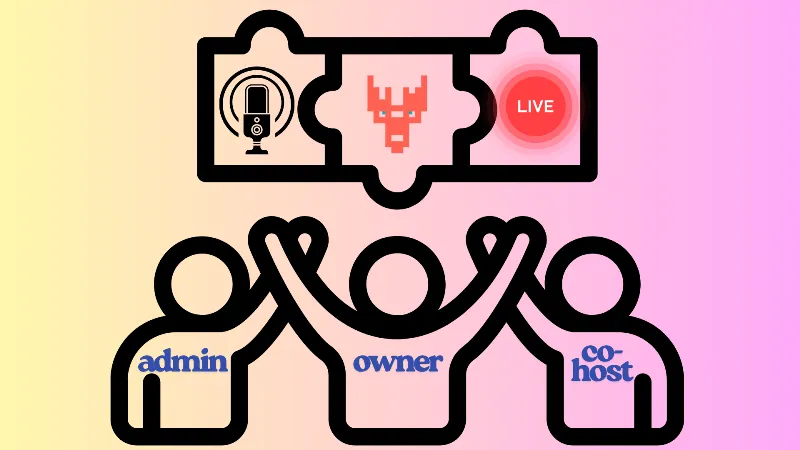
In Yostream, every role is designed to give the right level of control and responsibility to team members. Understanding the differences between Owner, Admin, and Co-host is essential for managing streams effectively, avoiding confusion, and ensuring smooth collaboration. This guide explains who can do what, so you can assign roles with confidence and keep your live streams secure and well-organized.
The Role of the Owner
The Owner in Yostream is the ultimate admin with complete control over the account and its settings. Admins and Co-hosts are members added by the Owner to form a team and share responsibilities. At any point, the Owner can change or update their roles, such as making an Admin a Co-host or elevating a Co-host to Admin. This flexibility ensures that the Owner can always adapt team structure to fit the needs of each stream.
Yostream Roles at a Glance
| Action / Permission | Owner | Admin | Co-host |
|---|---|---|---|
| Manage billing and subscription | ✅ | ❌ | ❌ |
| Manage teams | ✅ | ✅ | ❌ |
| Add or remove members | ✅ | ✅ | ❌ |
| Assign or change roles | ✅ | ✅ | ❌ |
| Manage recordings | ✅ | ✅ | ❌ |
| Manage events | ✅ | ✅ | ❌ |
| Connect OBS/Zoom etc. | ✅ | ✅ | ❌ |
| Manage branding and assets | ✅ | ✅ | ❌ |
| Manage streaming destinations | ✅ | ✅ | ❌ |
| Edit session settings | ✅ | ✅ | ❌ |
| Start and end live streams | ✅ | ✅ | ❌ |
| Moderate chats and comments | ✅ | ✅ | ✅ |
| Invite guests to a session | ✅ | ✅ | ✅ |
| Manage session canvas | ✅ | ✅ | ✅ |
Clear role management is the backbone of a smooth streaming experience on Yostream. By understanding the responsibilities of the Owner, Admin, and Co-host, you can assign the right permissions, avoid confusion, and keep your events secure. With flexible role updates and team collaboration features, Yostream ensures that your streams run with confidence and control.