

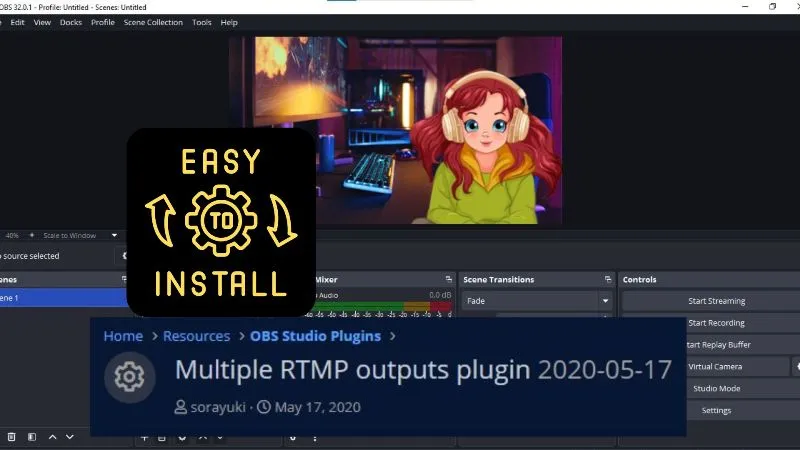
What Is the Multiple RTMP Outputs Plugin?
The multiple rtmp outputs plugin is an extension for OBS Studio that allows streamers to broadcast to multiple destinations simultaneously. By default, OBS Studio supports streaming to only one platform at a time. However, after installing the multiple rtmp outputs plugin, you can send the same live stream to several platforms, such as YouTube, Twitch, Facebook Live, LinkedIn Live, and custom RTMP servers, from a single OBS instance.
For creators looking to expand their audience reach without running multiple streaming applications, the multiple rtmp outputs plugin offers a simple and efficient multistreaming solution.
Download and Install the Multiple RTMP Outputs Plugin
Open the Multiple RTMP Outputs Plugin page on OBS. Click 'Go to download'.

Download and install the multiple rtmp outputs plugin for your operating system.

After installation, restart OBS Studio. Select Docks from the header menu. You'll notice that the multiple rtmp outputs plugin has been added to your OBS workspace.

Select the dock to configure additional streaming destinations. Click "Add New Target" to add custom RTMP endpoints and begin streaming to multiple platforms simultaneously.

Why Use the Multiple RTMP Outputs Plugin?
The multiple rtmp outputs plugin is popular among content creators because it allows them to:
- Stream to multiple platforms at the same time.
- Reach audiences across YouTube, Twitch, Facebook Live, and other destinations.
- Eliminate the need to run multiple OBS instances.
- Maintain a single production workflow while expanding content distribution.
- Save system resources compared to managing separate streaming setups.
Frequently Asked Questions
1. What does the Multiple RTMP Outputs Plugin do?
The multiple rtmp outputs plugin enables OBS Studio users to stream to multiple RTMP destinations simultaneously from a single OBS session.
2. Is the Multiple RTMP Outputs Plugin free?
Yes. The multiple rtmp outputs plugin is generally available as a free OBS extension.
3. Can I stream to YouTube and Twitch at the same time with the Multiple RTMP Outputs Plugin?
Yes. The multiple rtmp outputs plugin allows you to configure separate RTMP targets for platforms such as YouTube, Twitch, Facebook Live, and custom streaming servers.
4. Does the Multiple RTMP Outputs Plugin increase CPU usage?
The multiple rtmp outputs plugin may increase resource usage depending on the number of outputs, encoding settings, and stream resolutions being used.
This Might Appeal to You:
- In case you don't know: What Is Custom RTMP In Live Streaming?
- A step-by-step guide: How to Download and Install StreamFX Plugin for OBS
- Discover the best OBS settings for streaming 1080p 60fps without lag: OBS Settings for Better Stream Quality on 1080p/60fps
- Enhance your streaming experience: 16 Important OBS Plugins For Content Creators