

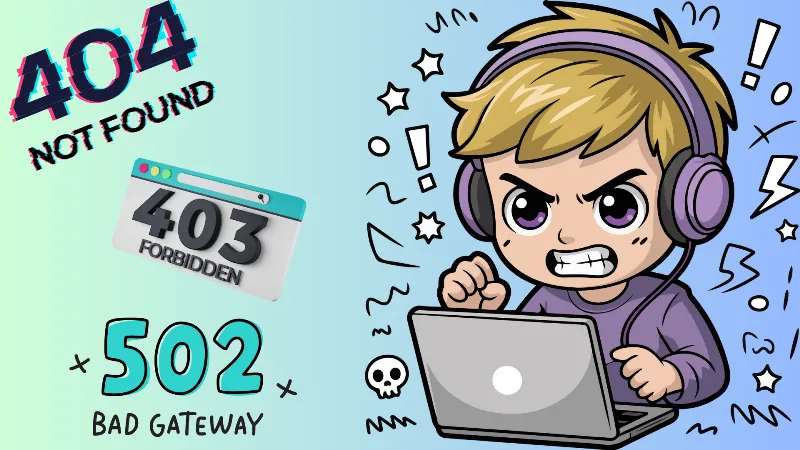
Live streaming is a powerful tool for creators, educators, gamers, and event organizers. But nothing is more frustrating than seeing a viewer drop off because of an HTTP error like 404 Not Found, 502 Bad Gateway, or 503 Service Unavailable. These errors disrupt your stream and damage your audience's trust.
In this guide, you’ll learn:
- What HTTP errors in live streaming mean
- The root causes behind the most common codes (404, 502, 503, 504)
- Real-world troubleshooting steps
- How to prevent these errors from recurring
- Why using browser-based tools like Yostream can simplify the entire process
What Are HTTP Errors in Live Streaming?
HTTP errors are status codes sent from the server to the browser or app. During a live stream, these errors can signal something went wrong between your stream encoder, hosting server, CDN (Content Delivery Network), or the end viewer.
| Error Code | Meaning | Typical Cause in Streaming |
|---|---|---|
| 404 | Not Found | Stream URL is incorrect or missing |
| 502 | Bad Gateway | Upstream server failed to respond |
| 503 | Service Unavailable | Server overloaded or under maintenance |
| 504 | Gateway Timeout | CDN/server didn’t respond in time |
Why Do HTTP Errors Occur in Live Streaming?
1. Incorrect Stream URLs (404 Error)
If your streaming URL or embed path is wrong, your audience will hit a dead end.
- Mistyped.m3u8file path.
- Missing stream key
- Expired tokenized URL
- Double-check the stream path in your software
- Verify the live stream is active and public
- Reissue access tokens if applicable
2. Server Overload or Misconfiguration (503, 504 Errors)
These errors are common when you’re getting high traffic or your server is not configured to handle concurrent viewers.
Fix:
- Use a CDN like Cloudflare or Akamai to distribute load
- Consider adaptive bitrate streaming (ABR)
- Upgrade your server resources
3. Bad Gateway Errors (502 Error)
These happen when a reverse proxy (like NGINX or Cloudflare) can't reach your origin server.
Common in:
- Multi-server architectures
- Platform outages (e.g., AWS or DigitalOcean downtime)
Fix:
- Check origin server health
- Ensure proper configuration of proxy settings
- Restart services or clear cache layers
4. Firewall or Security Restrictions
Some firewalls block streaming ports (1935 for RTMP or WebRTC ports). This can trigger 502 or 503 errors.
Fix:
- Open necessary ports
- Use browser-based software like Yostream, which doesn’t require firewall configurations
- Whitelist your streaming domain
5. Content Delivery Network (CDN) Misfires
CDNs cache and distribute your content worldwide. But stale caches or misrouted edges can return HTTP errors.
Fix:
- Purge the CDN cache
- Update DNS records correctly
- Use origin pull instead of push if you’re getting stale errors
How to Troubleshoot HTTP Errors During Live Streaming
Here's a quick checklist you can follow:
| Step | Action | Tools to Use |
|---|---|---|
| 1 | Verify stream is active | OBS, Yostream, Streamlabs |
| 2 | Check URL validity | Paste URL in incognito browser tab |
| 3 | Monitor server performance | New Relic, UptimeRobot, Netdata |
| 4 | Clear CDN and DNS cache | Cloudflare dashboard or CDN provider |
| 5 | Check security/firewall settings | Hosting panel, server logs |
| 6 | Use browser-based fallback (no RTMP config) | Yostream.io |
Pro Tips to Prevent HTTP Errors in Live Streams
✅ Always test your stream in advance
✅ Use browser-based software like Yostream (no installations, zero config)
✅ Enable health checks and auto-healing in your hosting setup
✅ Set up real-time alerts for server downtimes
✅ Keep your streaming URLs clean and token-authenticated